
Partner Program
Partner Portal
The BMH Online Solutions Partner Portal gives you everything you need to turn business connections into commission-earning opportunities. Refer businesses that could benefit from our digital solutions, track each referral as it progresses, and keep your earnings and payments organised in one place. Whether you refer one business or many, the portal makes it simple to manage your referrals while we handle the consultation, development and delivery of the solutions your referrals need.
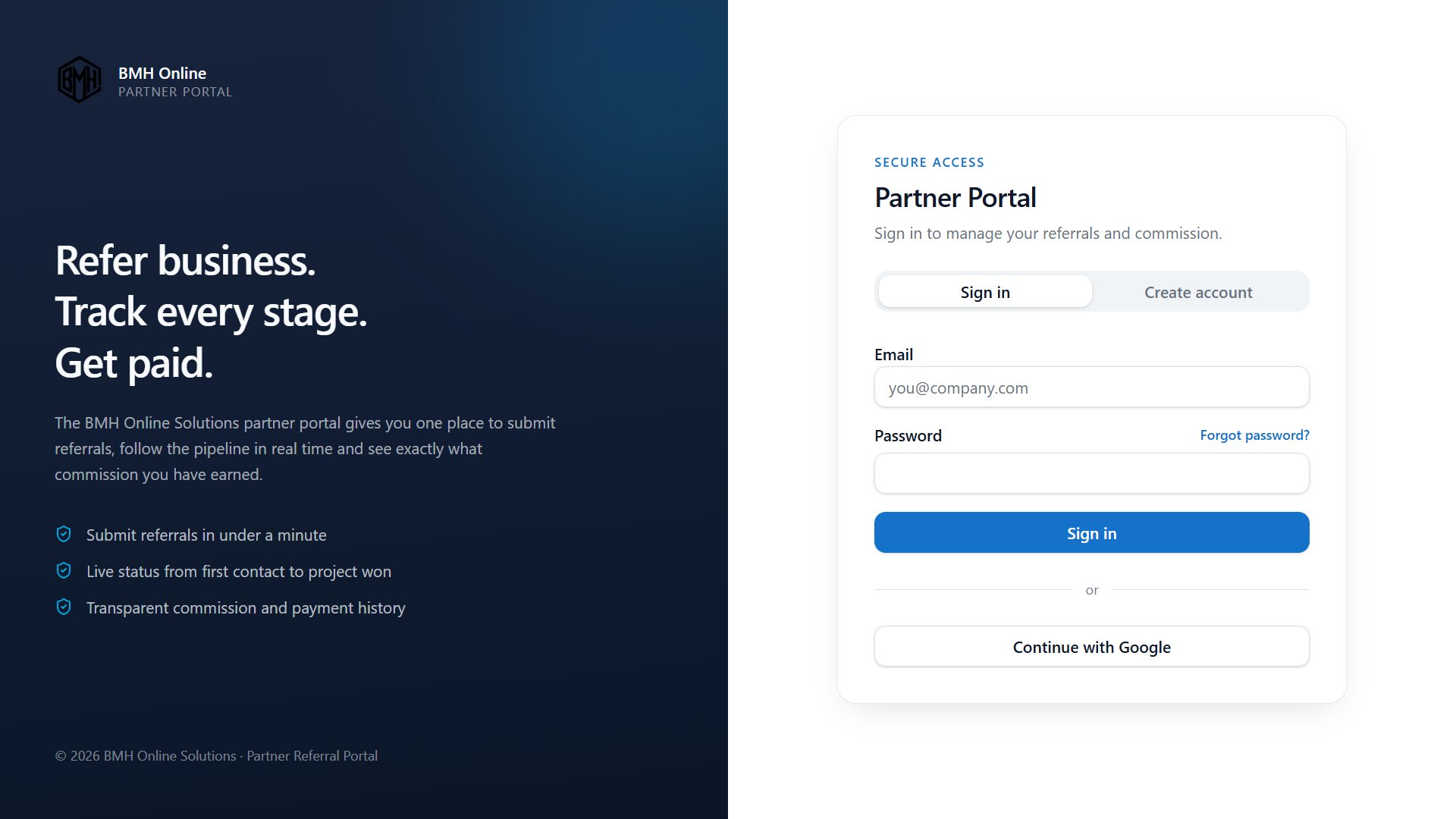
Create your partner account
Getting started is completely free. Create your BMH Online Solutions partner account to access your own dedicated portal. Once registered, you can submit business referrals, track their progress, view your commission and manage your account details, all from one place.
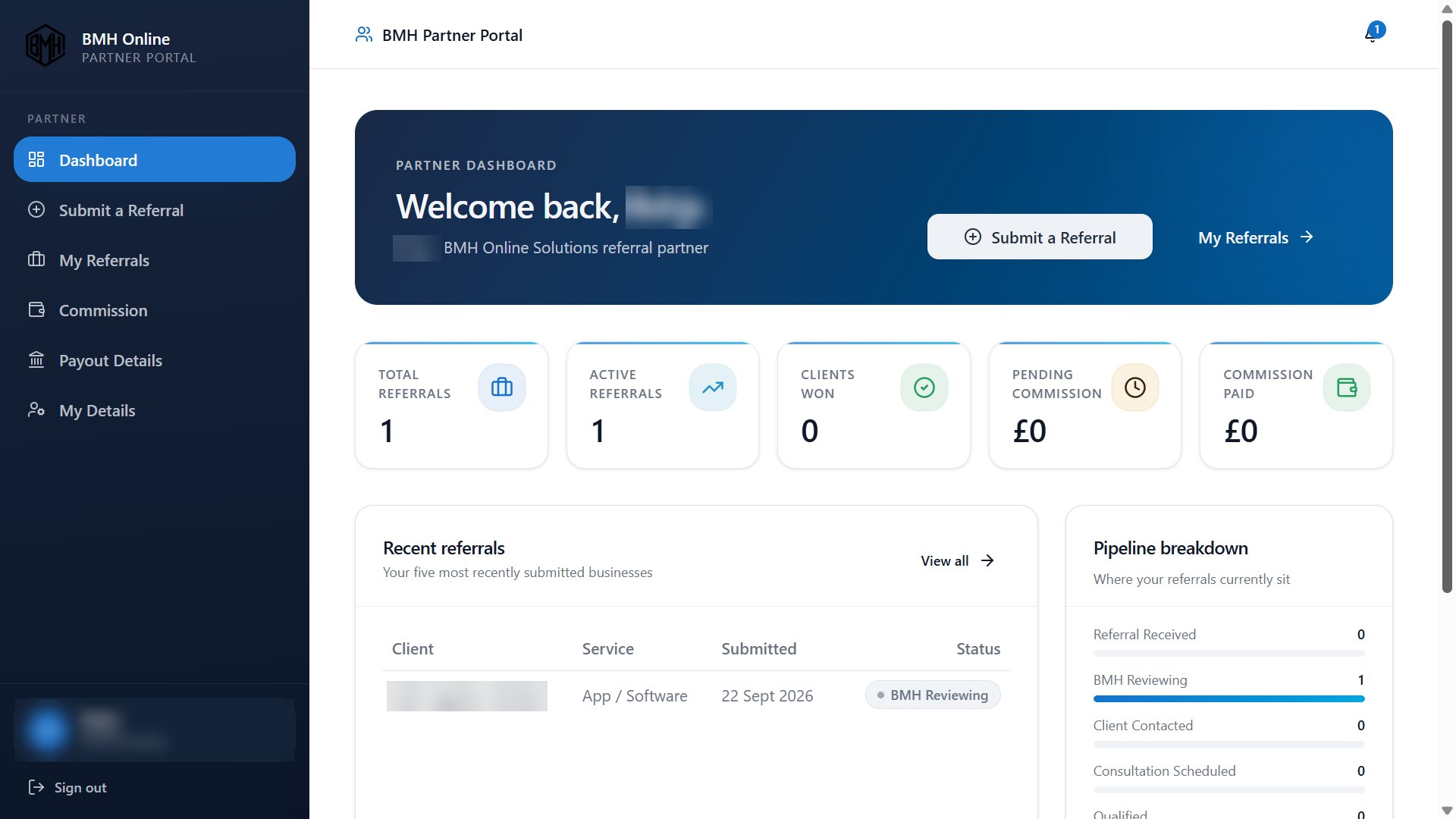
Your partner dashboard
Your dashboard gives you a clear overview of your referral activity as soon as you sign in. See your total and active referrals, successful clients, pending commission and payments received. You can also view your most recent referrals and check where they currently sit in the process, with quick access to submit a new referral or review existing ones.
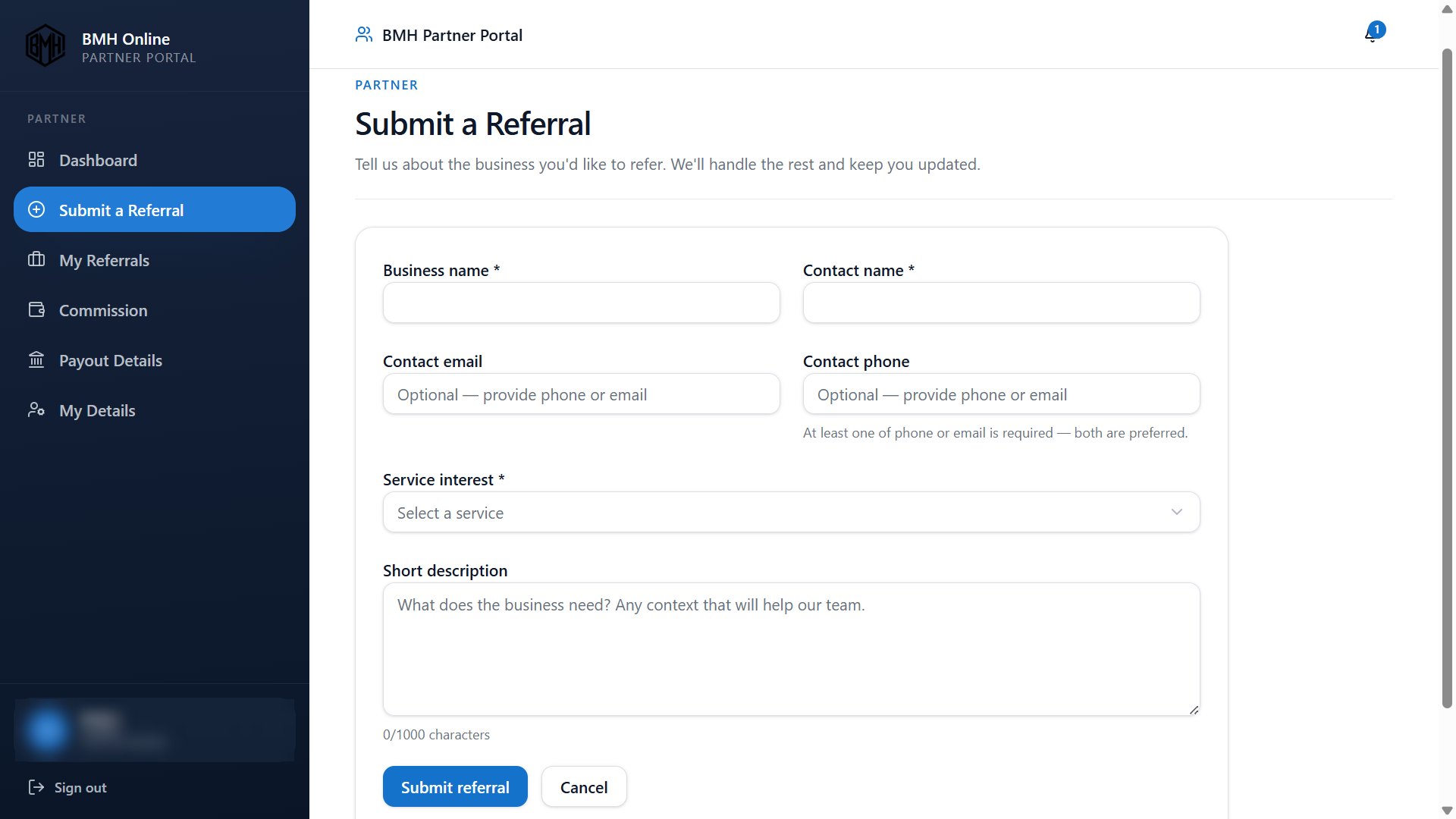
Submit a business referral
Found a business that could benefit from a digital solution? Submit its details directly through your portal. Enter the business name, contact person's name and at least one contact method, then select the service they're interested in. You can also add a short description of their requirements to help our team understand their needs. We'll take it from there and keep you updated.
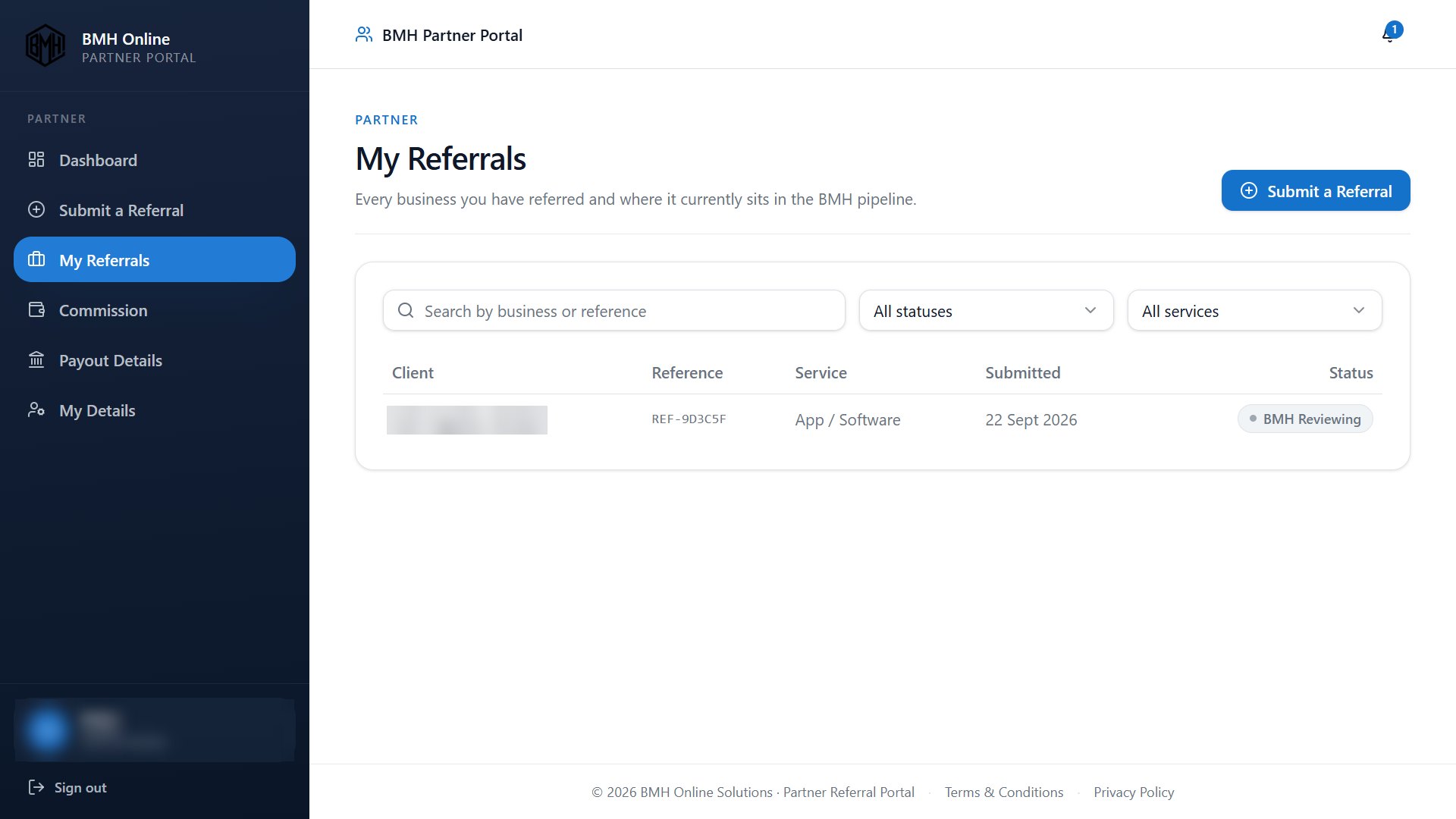
Track your referrals
Keep all your referred businesses organised in one place. The My Referrals page lets you see each business you've introduced to BMH, its reference number, the service requested, submission date and current status. You can search for a particular business and filter referrals by status or service, making it easy to follow your opportunities as they progress.
Understand your commission and referral progress
Stay informed about your commission and the progress of your partnership. View your current partner tier, see how many successful referrals you've achieved and how many more you need to reach the next tier. The page also displays important referral updates and your applicable commission rates, helping you understand where you stand and what you could earn from successful referrals.
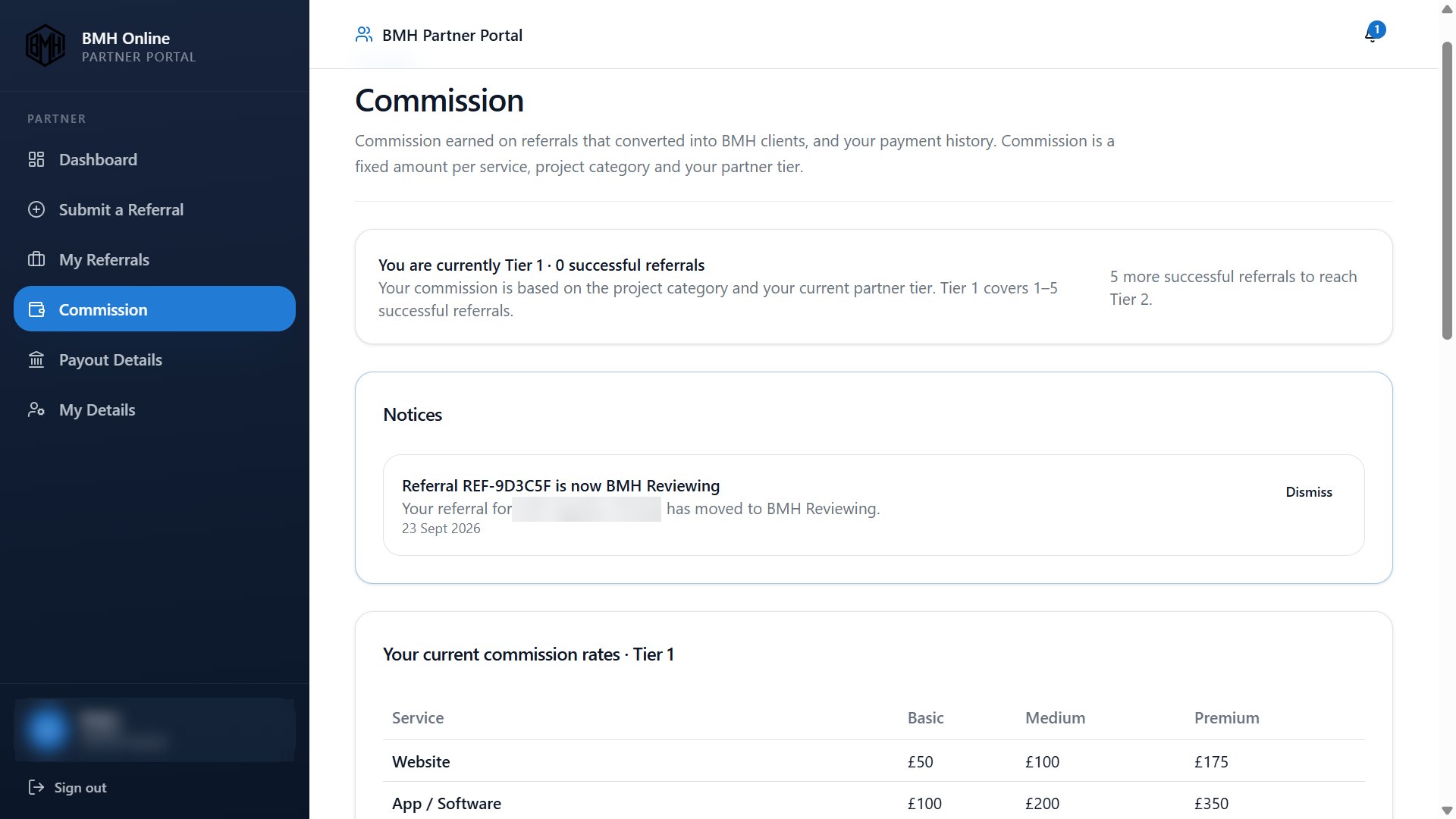
See your commission rates and earnings
Know what commission applies to your referrals. Your portal displays fixed commission rates according to the service, project category and your current partner tier. You can also see your total earnings, outstanding commission and amounts already paid. Each referral retains the applicable rate recorded for it, giving you greater transparency over your earnings.
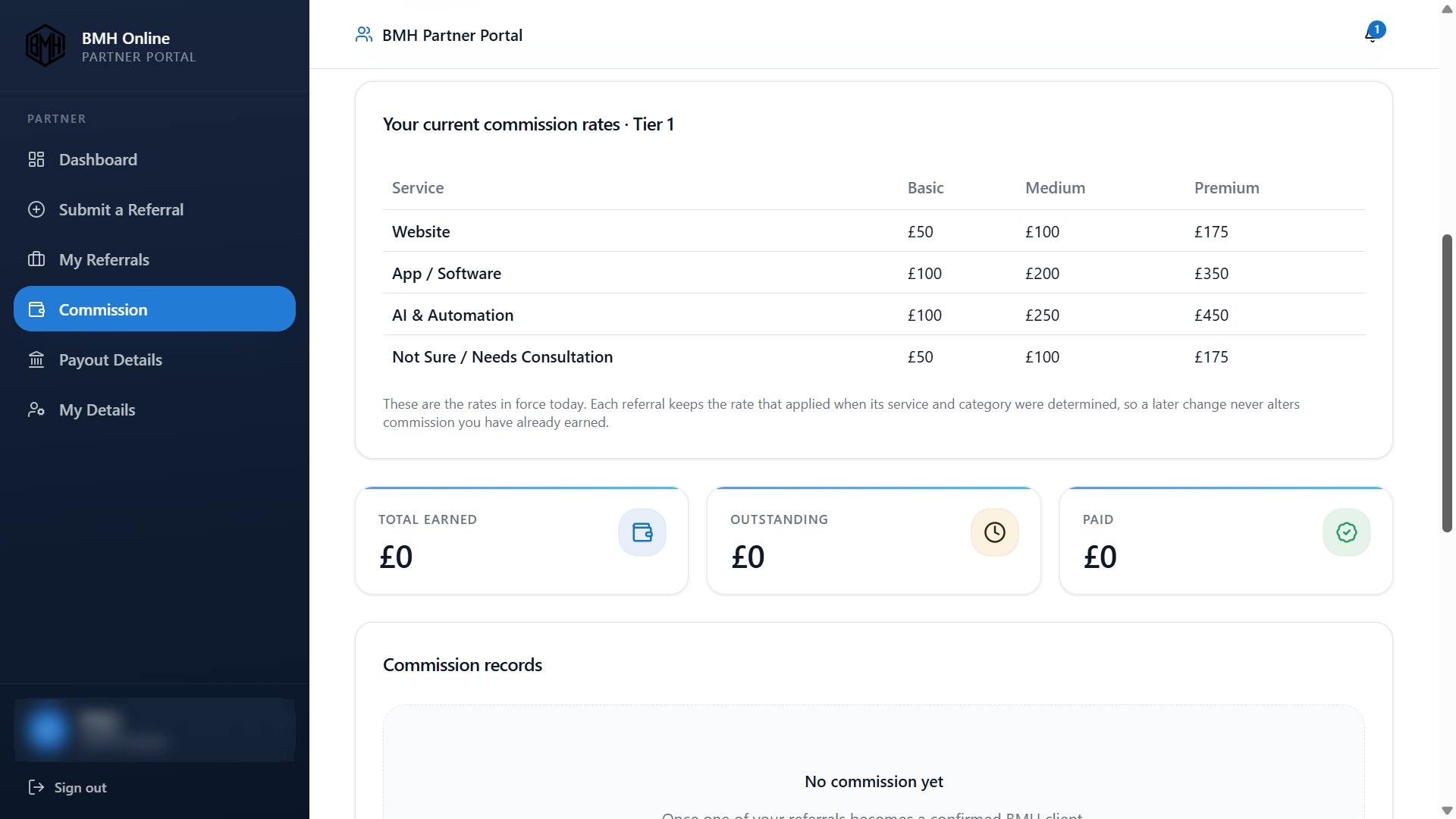
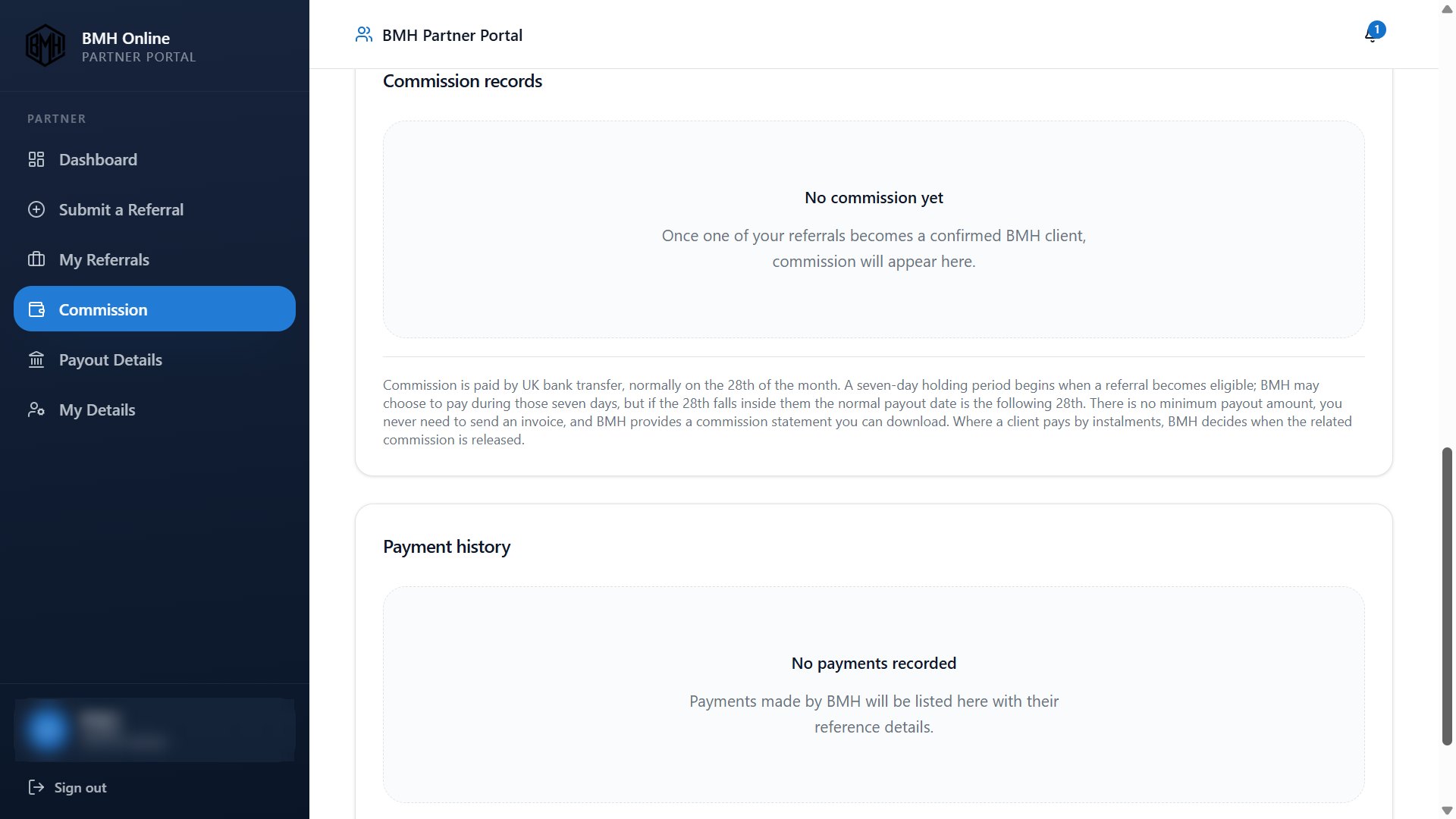
Review commission records and payment history
Keep track of the commission you've earned and the payments you've received. Your commission records show eligible earnings as they become available, while your payment history provides a record of payments made by BMH. Commission is normally paid by UK bank transfer on the 28th of the month, subject to the applicable payment terms. You don't need to invoice BMH, as a commission statement is provided.
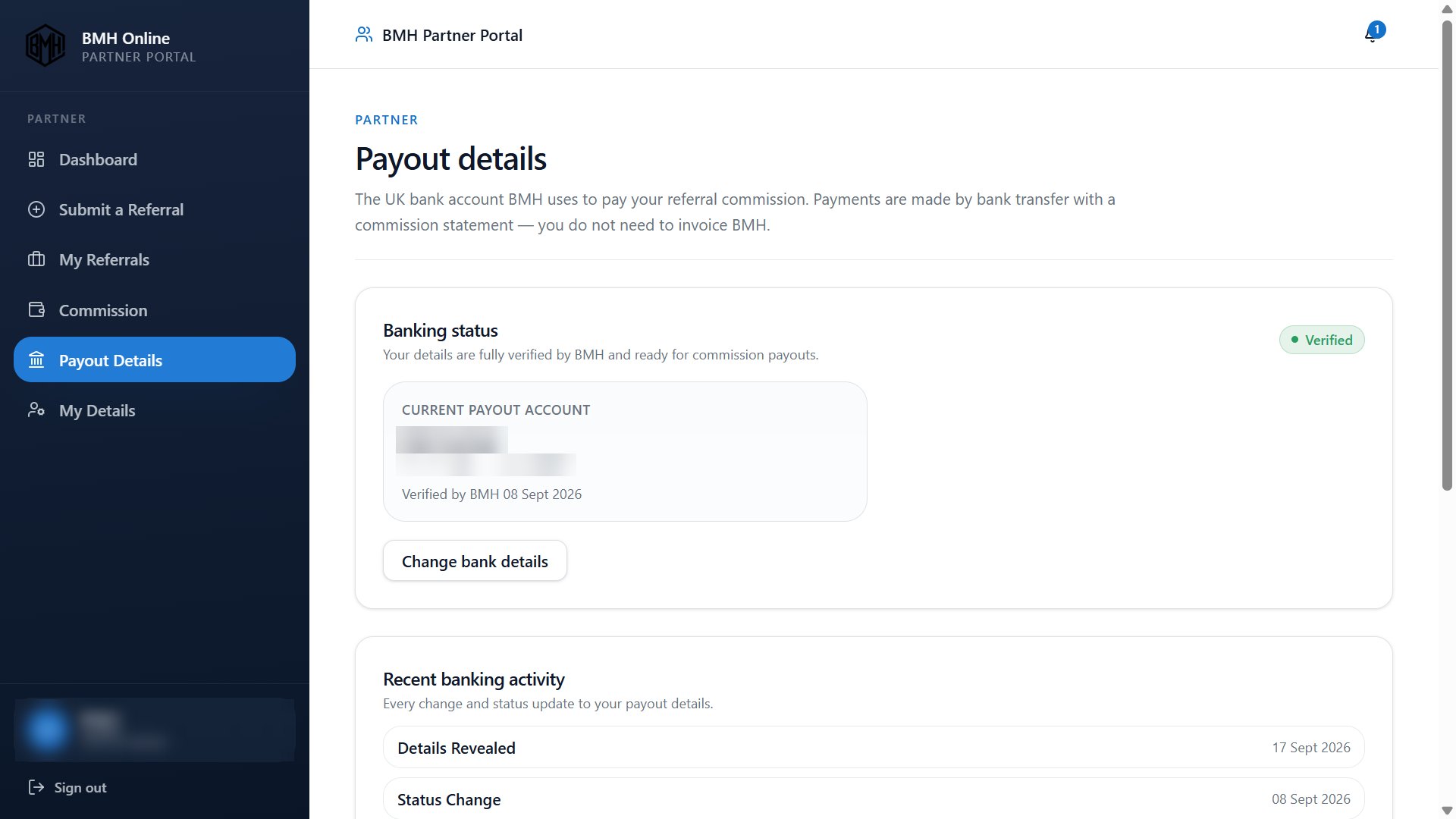
Manage your payout details
Manage the bank account you use to receive your referral commission. This page shows your banking verification status, your current payout account and recent banking activity. You can request changes to your bank details and see whether your account is verified and ready for commission payouts. Keeping your payout information accurate helps ensure payments can be processed correctly.
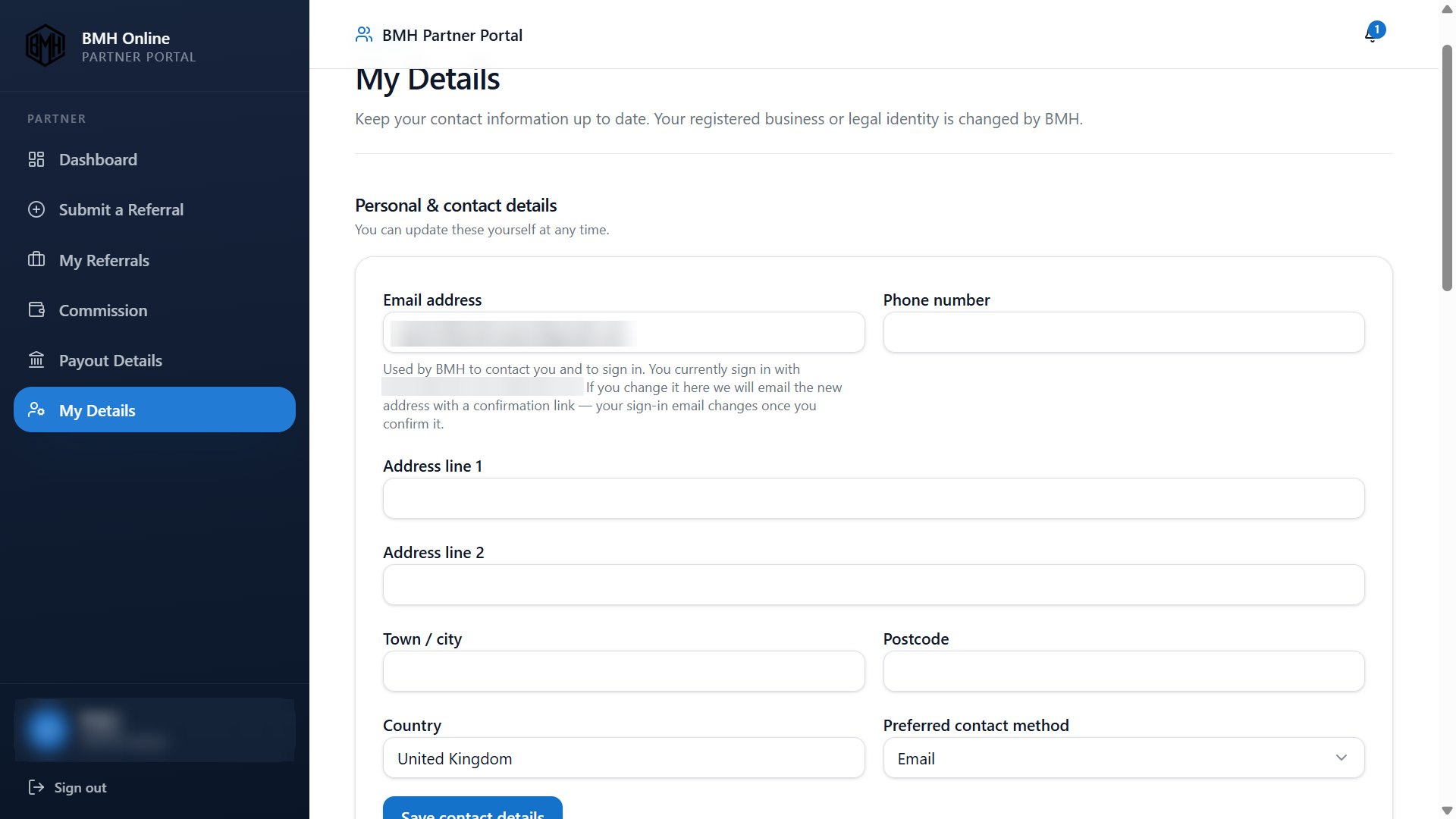
Keep your personal and contact details up to date
Keep your contact information accurate so BMH can reach you about your referrals and partnership. Update your email address, phone number, address and preferred contact method directly through the portal. Your registered business or legal identity is managed by BMH, helping maintain the integrity of your partner account.
Become a partner